Deanonymize your website visitors and reach out automatically
A good share of your site's visitors leave no trace. They read the docs, compare you to your competitors, look at the pricing page, then leave without a single interaction. That's a shame, because some of them fit your ICP perfectly.
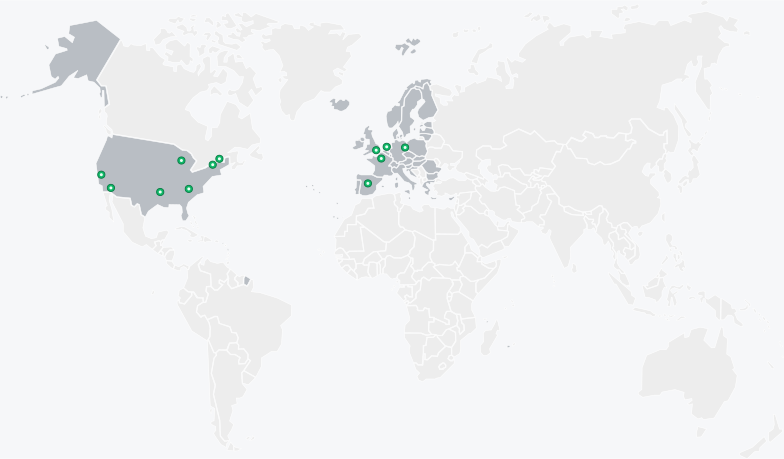
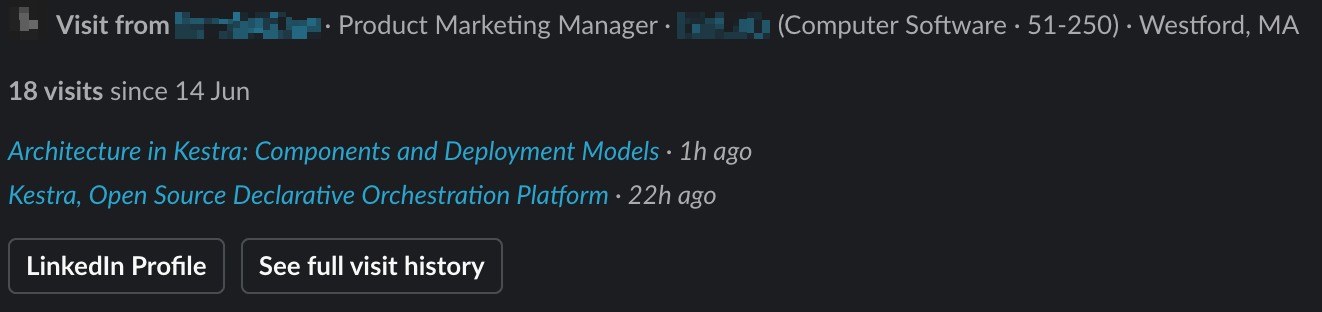
In this article I share my method so that, the moment a visitor lands on your site, they are automatically deanonymized, enriched, scored, then contacted on LinkedIn. Once the workflow is in place it runs on its own in the background and opens LinkedIn conversations with your visitors, but only the ones who show real interest.
Deanonymize a web visitor with a US IP address
No single tool identifies everyone. In practice, on US B2B traffic, you can put a name to
10 to 30% of visitors. It depends on the deanonymization tool you use: I won't go into detail,
but each one relies on different identity graphs. Hence a simple technique: stack several tools
( Vector,
 RB2B,
and others) to deanonymize more people, then remove the duplicates. Each catches visitors the
others miss; you merge their results and dedupe on a stable identity key (the person's LinkedIn
URL, for example). The more you plug in, the more you identify (the main coverage lever), but
with diminishing returns: most tools actually resell very similar identity graphs.
RB2B,
and others) to deanonymize more people, then remove the duplicates. Each catches visitors the
others miss; you merge their results and dedupe on a stable identity key (the person's LinkedIn
URL, for example). The more you plug in, the more you identify (the main coverage lever), but
with diminishing returns: most tools actually resell very similar identity graphs.
My advice: start with a single deanonymization tool to test the workflow end to end. If the results are there, optimize later by adding more tools to claw back the extra coverage.
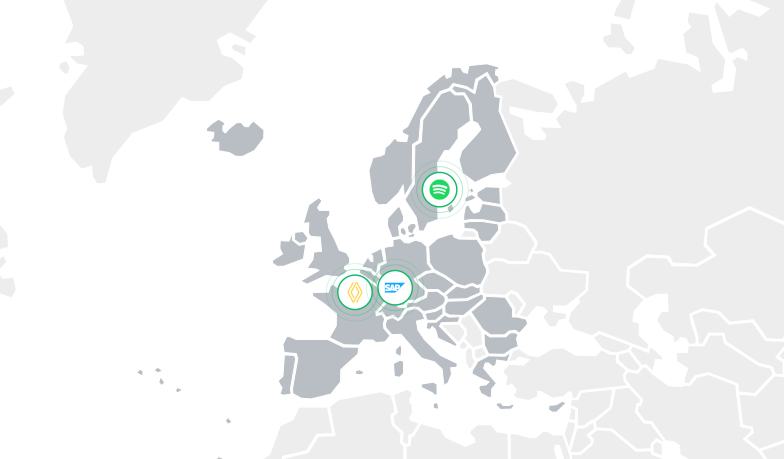
In Europe, you can only identify the company, not the person
Europe is another matter. You have to respect the GDPR: you can't identify a person who visits your site, but you can identify the company the employee is connecting from.
My advice: adapt your workflow. Based on the pages viewed, your ICP, and the traffic you already deanonymize, have the workflow dig into the company's employee base and suggest the three profiles most likely to be this visitor.
What the orchestrator is for
The orchestrator lets you run every step above in sequence. Each identified visit fires a webhook from the deanonymization tool, handled by your workflow inside the orchestrator: it ingests the event, dedupes it, enriches it with data from the CRM and the data warehouse, applies the relevance gate, scores each deanonymized visit out of 100, and routes the lead, in order, end to end.
As the orchestrator I use  Kestra (the company I work for): it's robust and has run this flow for me for several months. Other alternatives exist, like
  n8n. Feel free to message me if you'd like the YAML code I use in Kestra for this part.
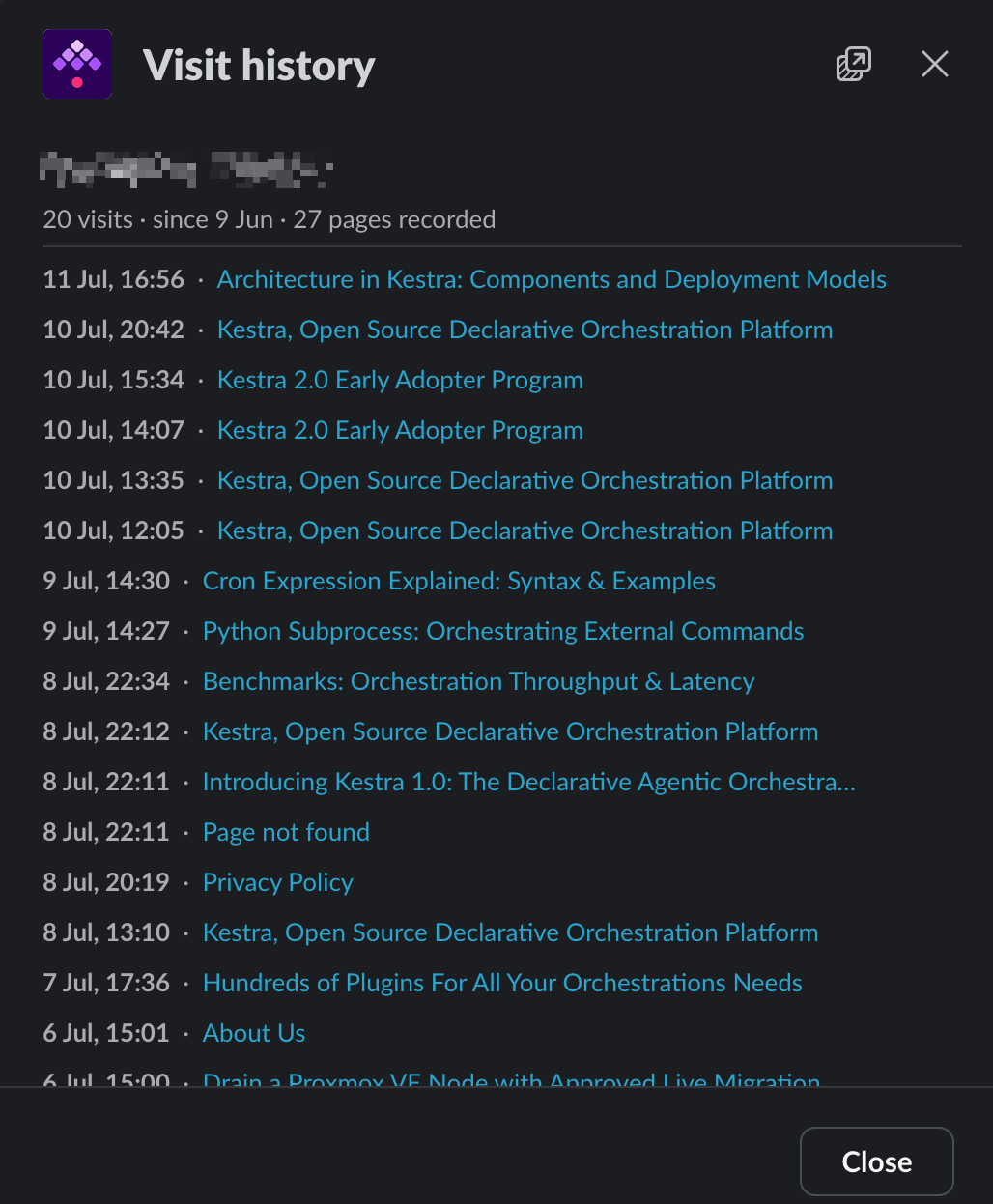
Spot user patterns
It all starts with storage: keep every visit in your data warehouse. That base is what lets you work the data afterwards and spot patterns.
The most telling one is recurrence. A first visit is curiosity. The same visitor coming back several times, or three people from the same company on the pricing page in a week, is a very different signal: an account warming up, often a buying committee forming. Enough to reach out to several people at the account rather than chase just one.
Don't contact visitors you're already talking to
Every visit is cross-checked against the CRM (the contact, and the company by its domain, separately, because the person visiting is often not the one in the CRM) and against the data warehouse. Two questions decide what happens next: is this company already a customer or an active user? And is there an open deal, on the contact or on the company? If sales are mid-deal, we don't prospect the visitor; we hold off. That suppression is what makes the channel usable internally.

Contact only visitors who might be interested


 A small LLM reads the visitor's enriched profile (title, seniority, department, plus the
company's industry and size) and the pages viewed, then decides: include or exclude, with a
one-line reason. This is the noise filter: visitor-ID tools are notorious for flooding a channel
with thousands of off-target accounts, so anything clearly outside the target never reaches a
rep. It's a first, deliberately binary pass; the fine scoring comes right after.
A small LLM reads the visitor's enriched profile (title, seniority, department, plus the
company's industry and size) and the pages viewed, then decides: include or exclude, with a
one-line reason. This is the noise filter: visitor-ID tools are notorious for flooding a channel
with thousands of off-target accounts, so anything clearly outside the target never reaches a
rep. It's a first, deliberately binary pass; the fine scoring comes right after.
Score every visitor from 0 to 100
Visitors who pass the filter are then scored from 0 to 100 in  Clay, based on their journey on the site. Where the filter just said yes or no, the score ranks. Concretely, we store every visit in Clay, and a column driven by an LLM rates each visit on two axes. First, fit: does this visitor match one of our ICPs, and how likely are they to be interested? Then profile: are they more data, infra or AI, and which customer cluster do they resemble?
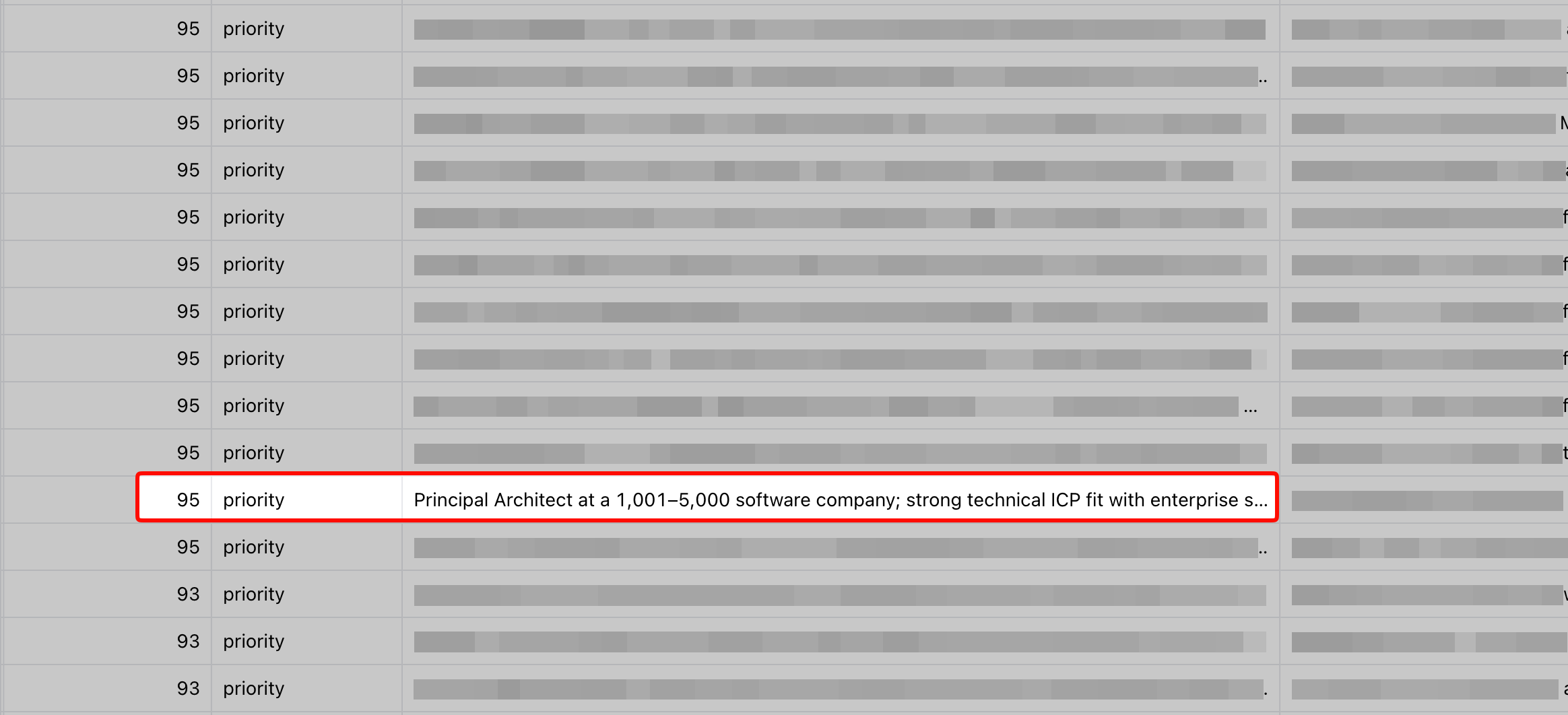
This score reads as tiers. Below the bar, we contact no one; from "medium" up, the visitor enters outbound, and the higher the tier, the faster the touch. So outbound reaches only a deliberate slice of the traffic, not everyone.
Above all, we don't stop at the tool's raw signal: we cross it with the CRM and with product usage stored in the data warehouse. That cross-referencing is where the value is, tying a visit to what the person already does inside the product and to where the account stands in the pipeline. A competitor can buy the same deanonymization tool; they'll never have your first-party data.
Reach out from the right LinkedIn account
The message goes out automatically, but from the right account: the engineer whose specialty
matches the visitor's cluster (AI, data or infra), with copy personalized to the score and the
cluster. One peer writing to another maximizes the reply rate, far more than a generic marketing
account. The sequence runs in  lemlist: a connection request, a short note on accept, one soft follow-up if there's no reply, all silent. On the sales side, nobody steps in until the prospect replies: their reply lands in a shared inbox (a unibox) where a rep picks up the conversation and takes it to a meeting.
Results depend a lot on your product and your market. On my side, this technique runs at 25 to 35% acceptance on LinkedIn and around 20% replies. The key is to contact only the profiles with a very good score: by filtering hard on fit, you avoid spamming people who don't care, while still landing, passively, a few meetings with leads squarely in your ICP.
Want to build something like this, or just compare notes? Reach me on LinkedIn or by email.